
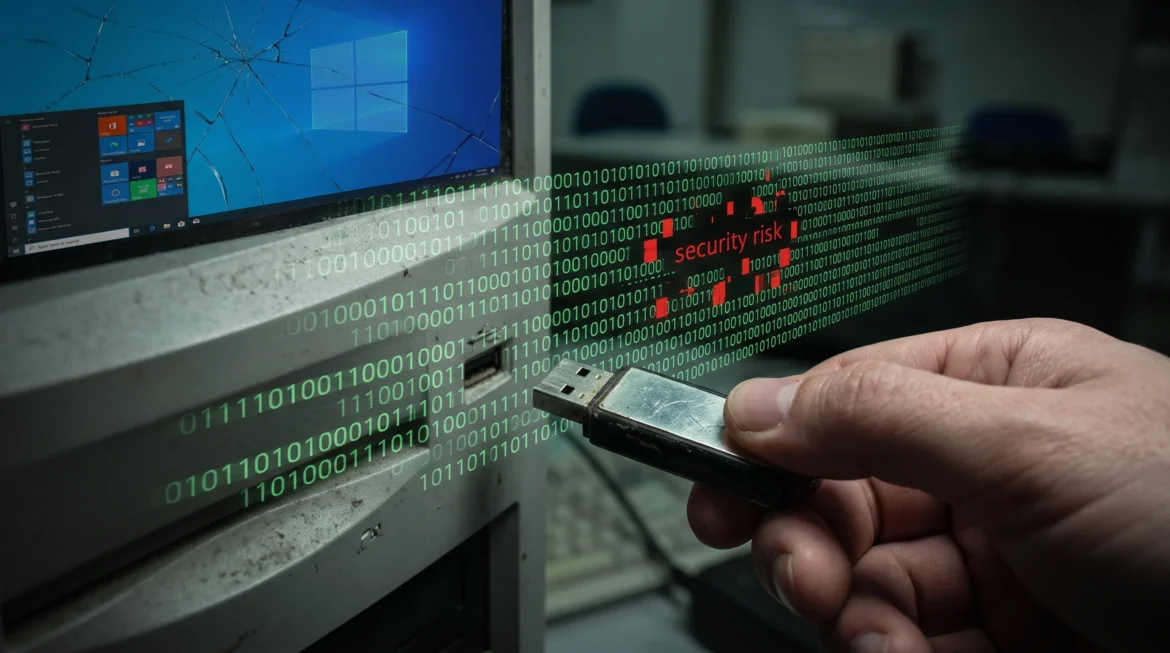
Using a computer running Windows 10 introduces an escalating windows 10 security risk to your personal files, business networks, and connected devices. While your computer will not shut down automatically, the absence of routine operating system updates means every newly discovered flaw remains permanently exposed. Understanding how to manage this vulnerability is essential to protecting your critical data.
What Actually Happens to Your PC Without Official Support?
A widespread misconception among computer owners is that reaching the end of official updates results in a blue screen or sudden system failure. In reality, your hardware will boot up smoothly, applications will open normally, and your desktop will look identical to how it has for years. This functional normalcy creates a false sense of safety that disguises an acute windows 10 security risk.
Behind that familiar desktop interface, the digital shield that defended your hardware has been dismantled. Each monthly update cycle, historically known as Patch Tuesday, previously delivered essential protections against emerging online threats. When those releases halt, your operating system freezes in time. Every day you use an unsupported platform, the gap between your defensive posture and modern cybercrime methods widens significantly.
5 Critical Attack Vectors Threatening Unsupported Systems
Running legacy software invites exploitation because attackers naturally target environments with zero ongoing resistance. Several distinct threat mechanisms transform an unsupported PC into a major hazard:
1. The Patch-Diffing Trap
When Microsoft releases routine security patches for Windows 11, threat actors analyze the update code through a method known as patch-diffing. By comparing the revised code against prior versions, attackers pinpoint the exact vulnerability being repaired. Because Windows 10 shares massive amounts of identical legacy code with Windows 11, hackers quickly locate the matching, unpatched flaws in older machines. The release of a patch for modern computers effectively acts as a road map showing criminals how to compromise legacy environments.
2. Kernel-Level Flaws and Zero-Day Exploits
System-level flaws in core drivers, like the Common Log File System, allow attackers to gain system administrator privileges. When a zero-day vulnerability is discovered in an older operating system, bad actors weaponize it immediately. Without system-level updates, these severe flaws remain unsealed, giving malicious tools permanent entry points into your core files.
3. Lateral Movement and Internal Network Infiltration
A single unpatched desktop does not present an isolated problem. Attackers frequently use an older machine as a beachhead to move laterally across a local area network. Through weak remote desktop protocols and unpatched file-sharing protocols like SMB, a compromised home or office computer can become the gateway to infecting every other system on the network with ransomware.
4. Disappearing Browser and Software Protection
Operating system vulnerabilities are eventually compounded by third-party application abandonment. Web browsers like Google Chrome and Microsoft Edge maintain compatibility for legacy environments for a limited window before sunsetting support. Once web browsers cease updating on older systems, simply visiting a compromised website can result in silent drive-by malware installations.
5. Amplified Ransomware Campaigns
Ransomware operators rely on automated scanners that search the internet for unpatched endpoints. Older computers lacking hardware-enforced safeguards provide the easiest path for extortion schemes. Once embedded, ransomware payloads encrypt business records or personal documents, leaving users with little recourse.
The Antivirus Fallacy: Why Endpoint Security Cannot Replace OS Patches
Many users assume that keeping an active subscription to a reputable antivirus tool or relying on Microsoft Defender will eliminate their windows 10 security risk. This belief represents one of the most dangerous myths in computing today.
Antivirus programs and endpoint detection platforms operate as software layers sitting on top of your underlying operating system. Their job is to recognize known malicious signatures, inspect files, and flag suspicious behavioral patterns. However, they lack the technical capability to rewrite or patch defective kernel code, repair corrupted memory managers, or fix low-level hardware communication drivers.
| Defensive Layer | What It Successfully Protects | What It Cannot Protect |
| Operating System Patches | Kernel vulnerabilities, memory isolation bugs, core system driver flaws | User credential phishing, social engineering attacks |
| Antivirus / Endpoint Defense | Known malware files, malicious email attachments, suspicious background processes | Low-level OS flaws, unpatched system vulnerabilities, zero-day kernel exploits |
If a cybercriminal exploits an unpatched OS bug to gain root administrative rights, they can disable, blind, or bypass your security software entirely. Relying on an antivirus tool to defend an obsolete operating system is like installing a deadbolt on a wooden door with rotten hinges; the lock works perfectly, but the frame will give way under pressure.
The Hidden Compliance and Cyber Insurance Threat
For companies, clinics, financial firms, and independent contractors, operating unsupported devices introduces massive regulatory and legal exposure:
-
Regulatory Non-Compliance: Major regulatory frameworks like HIPAA for healthcare, PCI-DSS for credit card transactions, and GDPR for consumer privacy mandate the continuous use of vendor-supported, actively patched systems. Using obsolete software constitutes an immediate audit failure and invites severe statutory fines.
-
Denied Cyber Insurance Claims: Nearly all contemporary cyber insurance policies require policyholders to maintain strict digital hygiene, which includes applying timely security patches to all production equipment. If an investigation reveals that an unpatched machine served as the entry point for a data breach, insurers routinely deny coverage, leaving the business liable for recovery costs.
-
Loss of Client and Vendor Trust: Enterprise partners and institutional clients frequently demand third-party security audits before signing contracts. Running obsolete workstations raises immediate red flags, jeopardizing business partnerships and corporate reputations.
Hidden Traps: Hardware Integrity and TPM Bypasses
Beyond ordinary malware, staying on older operating systems creates secondary hardware problems that many technical analyses overlook:
Driver Abandonment
Component manufacturers constantly update device drivers for graphic cards, network chips, and system storage to address internal vulnerabilities. As older operating systems fade from support, hardware vendors discontinue driver development. This leaves your physical hardware vulnerable to attacks that operate beneath the detection of standard security programs.
The Dangers of Forcing Unsupported Upgrades
Some users attempt to bypass system requirements using registry hacks to force Windows 11 onto incompatible computers lacking TPM 2.0 security chips. While this might appear to solve the problem, it creates unstable configurations that may fail to receive critical feature updates, leaving users in an equally dangerous security posture.
Processor Vulnerabilities
Modern operating systems work in tandem with CPU microcode updates to block architectural processor exploits, such as side-channel execution flaws. When platform maintenance ceases, your machine loses synchronized defenses against complex hardware-level vulnerabilities.
Practical Remediation: How to Protect Your Setup
Mitigating your exposure requires choosing a sustainable operational path based on your budget, equipment age, and software requirements:
Option 1: Complete the Windows 11 Upgrade
If your computer features a compatible processor and has TPM 2.0 active in the system BIOS, upgrading directly to Windows 11 provides the most seamless, secure path forward. Before upgrading, create a complete system backup on an external storage drive, confirm software compatibility, and proceed with a clean installation.
Option 2: Extended Security Updates (ESU)
For organizations and individuals that cannot immediately replace functional hardware, Microsoft offers temporary Extended Security Updates. While ESU provides essential security patches, it does not supply new features or general technical assistance. Furthermore, annual pricing increases over time, making it an interim safety net rather than a permanent solution.

Option 3: Network Isolation and Air-Gapping
If a computer must remain on Windows 10 to operate specialized machinery, proprietary legacy software, or offline equipment, you must separate it from your primary network. Disconnect the machine from the public internet entirely, isolate it onto a separate virtual local area network (VLAN), and disable administrative sharing protocols to prevent external intrusion.
Option 4: Alternative Operating Systems
Computers with healthy hardware specifications that cannot support Windows 11 do not need to end up in a landfill. Converting an incompatible machine into a ChromeOS Flex device or installing a user-friendly Linux distribution like Ubuntu or Linux Mint can restore complete security updates for web browsing and standard administrative work.
FAQs
Will my computer immediately stop working without updates?
No. The device will continue functioning, but your cumulative windows 10 security risk will increase with every passing month as unpatched flaws accumulate.
Can hackers target my PC through modern web browsers?
Yes. While browsers receive independent security patches for a limited period, vulnerabilities that compromise the underlying operating system can allow malicious code to break out of browser sandboxes.
Is it safe to keep using an unsupported computer purely offline?
An offline machine is significantly safer from direct network exploits. However, risks remain if you introduce infected USB drives, external storage devices, or peripheral hardware with compromised firmware.
Does enabling TPM 2.0 solve the problem on older hardware?
TPM 2.0 is a mandatory baseline requirement for Windows 11 security, but it must be paired with an approved processor generation to receive reliable, continuous support updates.
Maintaining outdated software in today’s threat environment creates an unacceptable windows 10 security risk for personal data and professional operations alike. Taking deliberate steps to upgrade your system, enroll in temporary support programs, or isolate vulnerable hardware is the only reliable way to keep your digital assets secure.