You have a PDF and you need to edit it. The text is locked in place, the layout will not budge, and retyping the whole thing would take hours. A pdf to word converter free turns that fixed PDF into a Word document you can edit. This guide shows you how it works, what it costs, and where it falls short.
It also covers the other direction. You will learn how to convert word to pdf free, what a pdf doc converter is, and when a desktop tool beats an online one. No account, no payment, and no jargon. Just the steps that work.
What a PDF to Word Converter Free Tool Does
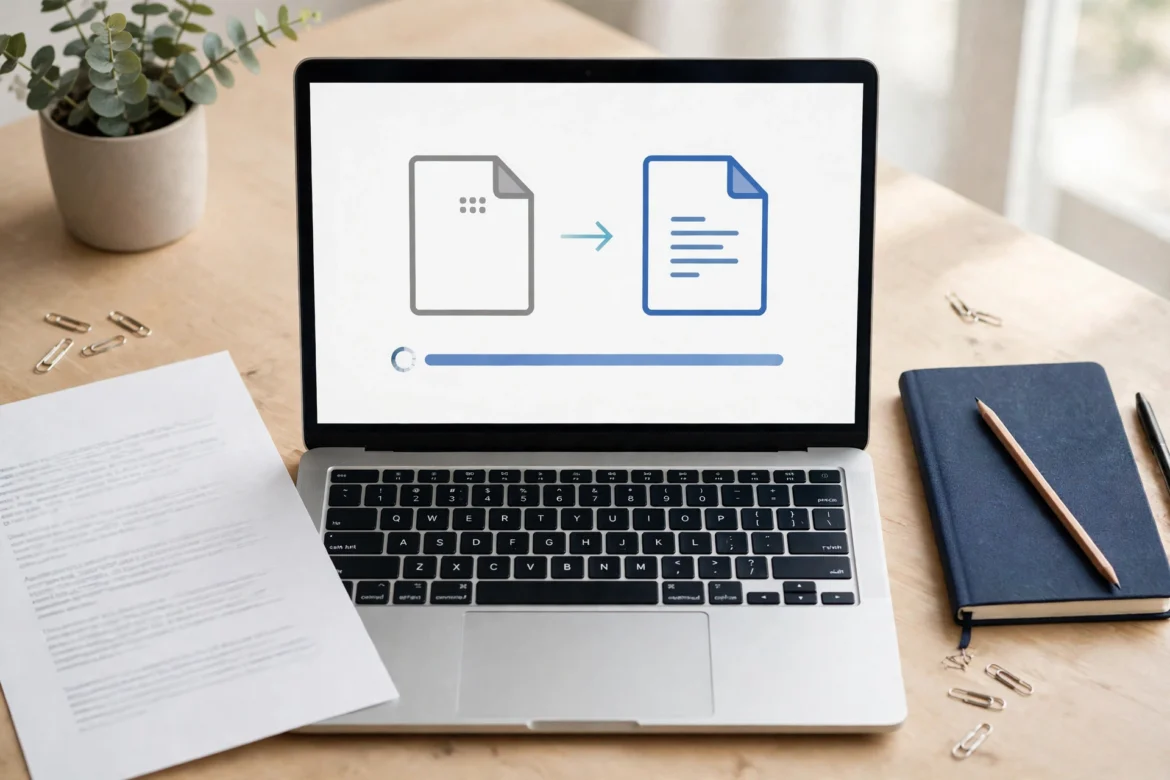
A pdf to word converter free tool reads a PDF file and rebuilds it as a Word document. It pulls the text out of the fixed layout and places it into flowing paragraphs. Similarly, headings, bold text and lists usually survive. Likewise, tables and images often survive too, though their positions may shift. The result opens in Word, Google Docs or LibreOffice, and you can edit it like any other document.
A free pdf to word converter works in one of two ways. Some tools run in your browser. You upload the PDF, the tool converts it, and you download the Word file. Other tools run on your computer. You install them once, and the conversion happens on your own machine. Both routes are free at the basic level. The difference is privacy, speed and file size.
Finally, the output is a .docx file. That is the standard Word format, and almost every word processor opens it. Alternatively, a few tools offer .doc instead, which is the older Word format. Stick with .docx unless you have a clear reason to use the older one.
PDF to Word in Four Steps
First, pick your file. Choose the PDF you want to edit, and check it first. A text-based PDF converts well. A scanned PDF does not, because it holds pictures of text rather than real text. If your PDF came from a scanner, you need OCR first, and most free converters do not include it.
Next, upload the file to the converter. In fact, most free tools accept common PDF files and ask for no account. Skip any tool that wants card details before your first conversion. Free should mean free to try. If the tool asks for an email address, check what it does with it before you agree.
Then, choose your settings. Some tools ask whether you want editable text or an exact copy of the layout. In particular, editable text gives you real paragraphs you can change. An exact copy keeps the look but stores each page as a picture, so you cannot edit the words. Pick editable text when you plan to change the document.
Finally, download the Word file and check it. Open it in Word or Google Docs and read through it. Look at the tables, the headings and the page breaks. Fix anything that moved, and save a fresh copy. To convert pdf into word well, you should always check the result before you send it on.
Convert Word to PDF Free: The Other Direction
Sometimes you need the reverse. You wrote a document in Word and you want to share it as a PDF, so nobody can change it by accident. To convert word to pdf free, you often need no extra tool at all. For example, Word, Google Docs and LibreOffice all save or export to PDF from their own menus.
For instance, in Word, use Save As and pick PDF. In Google Docs, use Download and pick PDF Document. The file keeps its fonts, headings and page breaks. It also opens on any device, which is why PDF suits sharing. A Word file can shift on another computer. A PDF stays the same.
Alternatively, free online tools do the same job if you have no word processor. Upload the Word file, and the tool returns a PDF. The same privacy rules apply. Avoid uploading a document with private details to a site you have never used.
What Is a PDF Doc Converter?
You may have seen the term pdf doc converter free in search results. “Doc” is short for a Word document, so a pdf doc converter turns a PDF into a Word file. In other words, it means the same thing as a PDF to Word converter. Some sites use the phrase because people type it that way.
You may also see the phrase word pdf to word converter. It looks odd, and it is. People type it when they mean a tool that turns a PDF into a Word document. No tool calls itself that. The words are just a search habit, not a real product name.
The same idea applies to “free pdf to word converter”. It is the same tool, described from the other end. Free means the basic conversion costs nothing. It does not mean the tool has no limits. Most free tools cap the file size, the number of pages, or the number of conversions per day.
Formatting: What Survives and What Breaks
Simple documents convert cleanly. For example, plain paragraphs, headings and short lists usually come out right. A letter, a simple report or a plain CV will look much like the original. You may need to fix a heading size or a line break, but the work is small.
However, complex layouts break more often. Tables with merged cells, text in columns, and footnotes can shift or split. A two-column page may turn into one long column. Images can move to a new page. If your document has a complex layout, expect to spend a few minutes tidying it after the conversion.
Fonts are the other weak point. A PDF can use a font your computer does not have. The converter then swaps it for the closest match, and the text may grow or shrink. If the layout matters more than the words, pick the exact-copy option instead. It keeps the look, but you cannot edit the text.
Privacy: Where Your File Goes
An online converter needs your file to do its job. For example, most tools upload it to a server, convert it there, and send the result back. The file may sit on that server for a while. Some sites delete it after an hour. Others keep it longer. Read the privacy note before you upload anything personal.
Never upload a file with bank details, medical notes, or a passport scan. If the document holds private details, use a tool that runs on your own computer instead. A desktop tool keeps the file on your machine, so nothing leaves it. That is the safest route for sensitive files.
Browser tools are a middle ground. They run the conversion inside your browser, so the file never reaches a server. Check the tool’s own page for the claim. If it says the file stays on your device, and the page works with no upload, the claim holds. When in doubt, test it with a harmless file first.
When a Desktop Tool Beats a Free Online Converter
Free online tools suit most jobs. A single file, a plain layout, and no private details — that is the perfect case. You convert it in a minute and move on. The limits only bite when the job grows.
A desktop tool wins in three cases. First, large files. Online tools often cap uploads at a set size, while a desktop tool has no such cap. Second, many files. A desktop tool can convert a whole folder at once, while a free online tool may allow only one file per day. Third, private files. Nothing leaves your machine, so the privacy question goes away.
Desktop tools cost nothing too, in many cases. For instance, LibreOffice opens PDFs and saves them as Word files, and it is free to install. Word itself opens PDFs and lets you save them as Word documents, though the layout may shift. Both options keep the work on your own computer. If the document will end up on a website, our free website guide shows how to publish a page online without paying.
PDF to Word Converter Free: Frequently Asked Questions
Is a pdf to word converter free really free?
Yes, at the basic level. Most tools convert a few files a day for free, with no account. Limits apply to file size, page count, or the number of conversions. Paid plans remove those limits. Read the limits before you start, so you know what the free tier covers.
Can I convert a scanned PDF to Word?
Not with a plain converter. A scanned PDF holds pictures of text, not real text, so the tool has nothing to extract. You need OCR, which reads the pictures and turns them into text. Some paid tools include OCR. Most free converters do not. Check the tool’s own page before you upload a scan.
Will my tables and images survive the conversion?
Usually, yes, though not always in the same place. Simple tables and small images tend to survive. Complex tables, merged cells and floating images often shift. Open the Word file after the conversion and check each table before you use the document.
Converting PDFs: More Questions Answered
Is it safe to upload a PDF to a free converter?
It depends on the file and the tool. A plain document with no private details is low risk. A file with bank details, medical notes or identity papers is not. Use a browser tool or a desktop tool for those, so the file never reaches a server. Always read the privacy note first.
How do I convert Word to PDF for free?
Use the word processor you already have. Word, Google Docs and LibreOffice all export to PDF from their own menus, at no cost. Pick Save As or Download, choose PDF, and the file keeps its layout. No extra tool is needed for a simple conversion.
A pdf to word converter free gives you an editable document in minutes, and the reverse trip costs nothing either. Pick the right tool for the file in front of you. Keep private files on your own machine, check the result before you share it, and the free tier will cover most jobs.